Rummy Safety: Keep Notifications From Creating Pressure
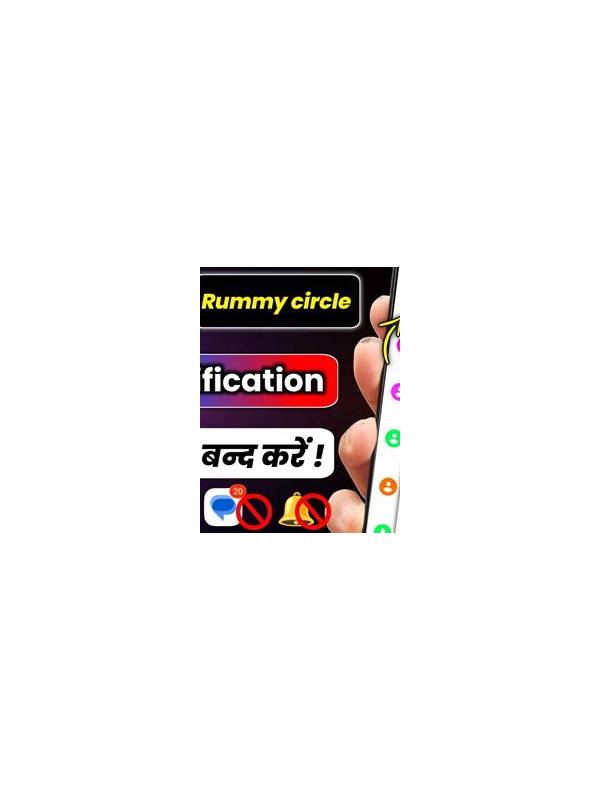
Notifications can be convenient, but frequent alerts can also create urgency. A banner about a table, promotion, message, or account issue may encourage an immediate response before you have checked the details. Managing notifications is a simple way to keep control of when and how you engage.
Begin with the operating system’s notification settings. Review which alerts the app can send and disable categories that are not useful. You may want essential account or transaction notices while turning off promotional banners, repeated reminders, or sound effects. Settings differ across devices, so use the normal system controls rather than installing a separate “notification manager” from an unknown source.
Treat urgent language carefully. Messages that claim an offer will expire immediately or that an account will be closed unless you act now deserve verification through the official app or website. Do not follow an unfamiliar link in a notification, and do not provide passwords, one-time codes, or payment details in response to a surprise message. If there is a genuine issue, contact support through a channel you opened independently.
Set a personal rule for play alerts. For example, only open a table when you are rested, have time available, and have already decided on a session limit. An alert can be a reminder, not a command. If you are working, driving, tired, or emotionally upset, mute it and return later if you still want to play.
Review notification permissions after app updates because categories can change. Also check whether lock-screen previews reveal account information or private messages. Hiding sensitive previews protects you when others can see your device.
The aim is not to eliminate every alert. It is to remove the connection between a sudden notification and an automatic decision. Choose deliberate times to check the app, verify unusual messages independently, and keep your account and play choices separate from notification pressure.
This habit also improves concentration at the table. Muting nonessential alerts reduces divided attention and gives you a better chance to read the hand before acting. If you share a device, review notification previews so another person cannot casually see account names or private messages. Small privacy choices support both safer account use and more deliberate play.
If you need reminders, schedule a neutral reminder in your calendar instead of relying on promotional alerts. A neutral reminder supports your chosen routine without borrowing urgency from a commercial message.
That boundary keeps attention intentional.