Rummy Safety: Use a Separate Device Lock for Gaming Apps
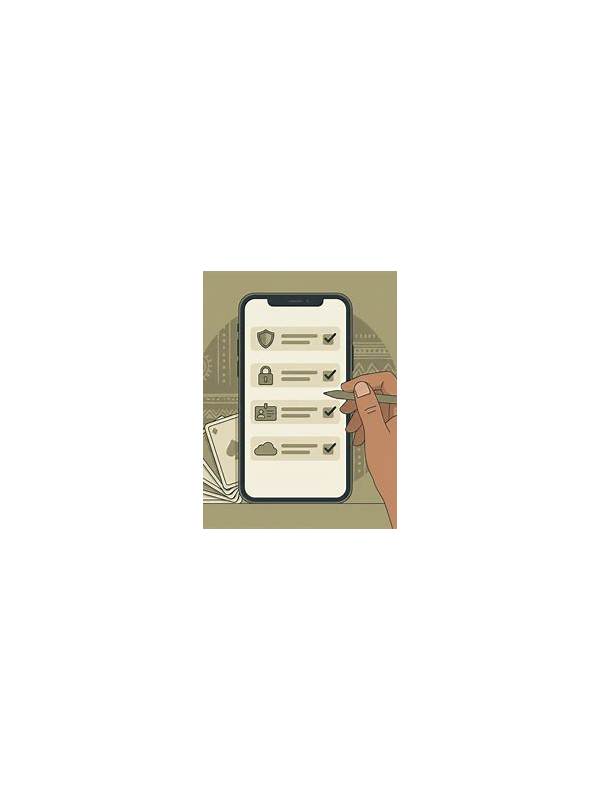
A device lock is one of the simplest protections for a mobile gaming account. If a phone is lost, borrowed, or left unlocked, an attacker may see notifications, account details, or stored session information. A strong lock does not replace responsible app security, but it reduces the number of easy access points.
Use a passcode, password, or biometric method supported by your device. Avoid a short pattern that can be guessed from screen marks or a date visible on your profile. If you use biometrics, keep a fallback passcode that is unique and do not share it casually. Review the device’s auto-lock setting so the screen does not remain open for long periods.
Check what appears on the lock screen. Notifications can reveal usernames, balances, one-time links, or messages. Use the operating system’s privacy controls to hide sensitive notification content while the phone is locked. This is especially important when a session involves account recovery or payment-related communication.
Keep the app and operating system updated through trusted channels. Updates often include security fixes, but you should still confirm that the app source and publisher are genuine. Do not install a “security update” sent through an unexpected message or pop-up. Close the app and verify updates through the normal device store or the provider’s official support route.
Review active sessions and sign out on devices you no longer use, if the service provides that option. Avoid saving credentials on shared phones, and never give remote-control access to someone who claims they need to fix a game account. Legitimate support should not need your password, private code, or full payment details.
These steps protect access, not outcomes. Set a separate spending limit, follow local laws, and use practice modes when you are learning. If you suspect unauthorized access, stop using the account, change the password through the official route, enable available two-factor protection, and contact verified support. Keep your report factual and never send secret codes in chat. These steps protect access, not outcomes. Set a separate spending limit, follow local laws, and use practice modes when you are learning. If you suspect unauthorized access, stop using the account, change the password through the official route, enable available two-factor protection, and contact verified support. Keep your report factual and never send secret codes in chat.
Also protect the device itself. Do not leave it unattended while an account is open, and avoid playing on a public network when account activity is sensitive. Lock the screen before setting the phone down. These ordinary habits reduce accidental exposure.