Rummy Account Safety on a Borrowed Tablet
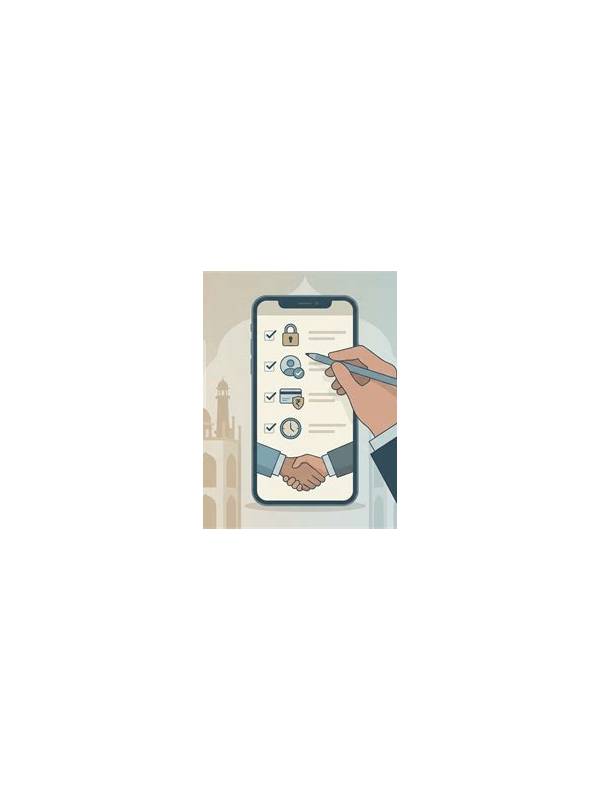
Playing on a shared phone, tablet, or computer requires extra account care. Another person may accidentally open your session, see notifications, or use saved payment details. Basic separation habits reduce these risks without depending on the game itself to protect every setting.
Use separate device profiles when the operating system supports them. If that is not possible, keep the game account behind the device’s screen lock and use a password that is not shared with other services. Avoid saving login details in a browser or app that everyone can open. A password manager can help if it is available in your trusted environment.
Sign out after finishing, especially if the device leaves your possession. Do not assume that closing a window ends the session. Check the account menu and remove remembered sessions when the device offers that option. If you suspect someone accessed the account, change the password from a trusted device and review active sessions through the official account settings.
Review notifications on the lock screen. Messages about balances, account activity, or support requests can reveal private information to anyone nearby. Hide sensitive previews or disable nonessential notifications. Be cautious with links in notifications and messages; open the official app or type the verified website address yourself when you need to check an account.
Keep payment methods separate from casual use where possible. Do not let another person use your account, and never share one-time codes or approval prompts. If an app asks for unusual information after an update, pause and verify the request through an official channel. Support staff should not need your password or private authentication code.
Finally, check the account periodically from a secure device. Review recent activity, profile details, and saved methods, and report anything unfamiliar promptly. Shared-device safety is mostly a matter of routine: separate access, sign out, protect notifications, and verify requests before responding. These steps help preserve both privacy and control. Be especially careful when lending the device to someone in a hurry. A person may accept a prompt without reading it or leave an account open after checking another application. If you must share the device, use a guest profile or supervise sign-in. Technical separation is safer than relying on familiarity, because mistakes can expose information even without bad intentions. If the device is lost or left unattended, use the account provider’s official recovery and session-management tools promptly. Do not follow urgent recovery links from unsolicited messages. Access the provider directly and document the time of the incident for your own records. Good preparation makes a shared device manageable while preserving a clear response if something goes wrong.