Rummy Safety: Check the Meaning of Every Button
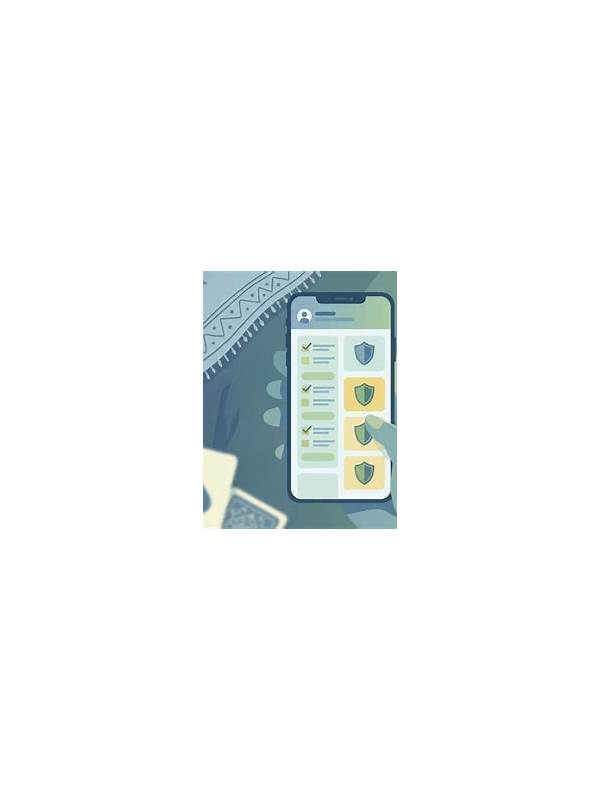
Interfaces can make important actions look similar. A button may draw, discard, confirm, leave a table, or open a payment screen. When using a new rummy app or an updated interface, check the meaning of each control before tapping quickly. A short pause can prevent an irreversible mistake.
Start with low-risk exploration. Read the help or rules area before joining a live hand, and learn where the discard, sort, and confirmation controls appear. If a practice mode is available, use it to understand the sequence of actions. Do not assume that familiar colors or positions mean the same thing in every app.
Pay particular attention to confirmation screens. Read the label and any amount or format shown before accepting. If a prompt asks for permissions unrelated to the feature you are using, cancel and investigate. A card game should not need access that is inconsistent with its stated purpose. Keep device software and security tools current as well.
Separate game controls from account controls. Buttons for profile, wallet, deposits, withdrawals, or account settings deserve extra care. Never enter a password or verification code because an unexpected in-app message tells you to do so. Use the official account route and verify support contact details independently.
If you tap the wrong control, stop rather than trying to repair the situation with more rapid taps. Take a screenshot only if it contains no sensitive information, note the time and visible message, and use the platform’s official help channel. Do not download an unknown “fix” or share credentials with someone claiming to assist.
After an update, spend a minute checking whether the layout or wording changed. Safe play includes understanding the tools that control the session. Familiarity should make you more careful with unusual prompts, not more willing to approve them automatically.
Accessibility settings can affect how controls appear or are announced. If text is clipped, buttons overlap, or a screen reader gives an unclear label, pause before continuing and adjust the display or seek official guidance. Never guess when the action could affect money or account access. Improving visibility is part of safe play.
If an interface remains confusing, leave the table and contact official support after checking that no private information is included in your report.
Do not let speed become a reason to approve an unclear prompt. A safe pause is always preferable to guessing.
Clear labels protect both concentration and account safety.