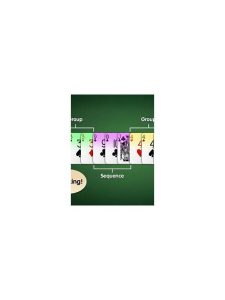
Rummy FAQ: What If the Internet Disconnects?
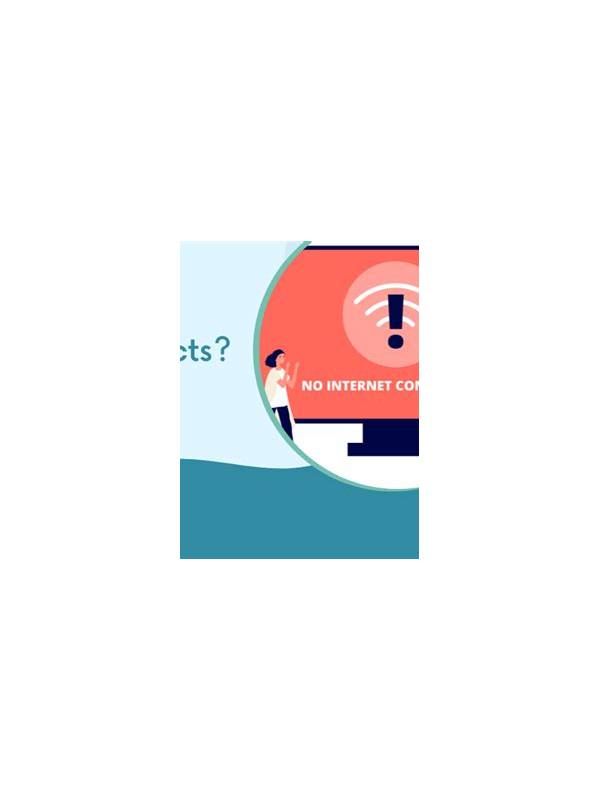
A connection problem during an online rummy game can be stressful, especially if a turn timer is running. The right response depends on the service rules, but a few general steps can protect your account and help you document what happened.
First, avoid repeatedly tapping buttons while the screen is frozen. Multiple actions may be submitted when the connection returns, or the interface may show an old state. Wait briefly, then check whether the application reports a reconnecting status. If possible, move to a stable network without closing the game immediately.
Check whether other applications can reach the internet, but do not assume that a general connection test proves the game server is healthy. A service may be experiencing a wider outage. If the operator publishes a status page or in-app notice, consult it through an independently opened address and note any incident number shown there.
Do not uninstall the application or clear its data while a live session is unresolved. Those actions can remove useful local information and may not improve the connection. Instead, record the time, table or game identifier, and the visible state. A screenshot can be useful if it does not expose private information.
When service returns, confirm the actual game state before making the next decision. Look for updated cards, the active player, the remaining timer, and any result notice. Do not rely on a screenshot from before the interruption. If the game has already ended, note the result and avoid starting another game until you understand what happened.
If the problem affects a balance, entry fee, or result, use the operator’s official support channel. Provide concise facts: approximate time, account identifier requested by the service, game reference, device type, network change, and screenshots. Never send your password or one-time authentication code as proof. Support may have a formal dispute window, so report the event promptly.
You can reduce future interruptions by updating the application from a trusted source, keeping the device charged, and checking network stability before joining a table. Avoid switching between weak networks during a timed game. If your connection is unreliable, choose a practice mode or wait until it is stable rather than risking a paid or time-sensitive session.
A disconnect is a technical event, not a reason to chase a result. Preserve evidence, verify the state, and follow the service’s published process. Calm documentation is more useful than repeated attempts to force the app to respond.