Rummy Safety: Protect Personal Data on Gaming Accounts
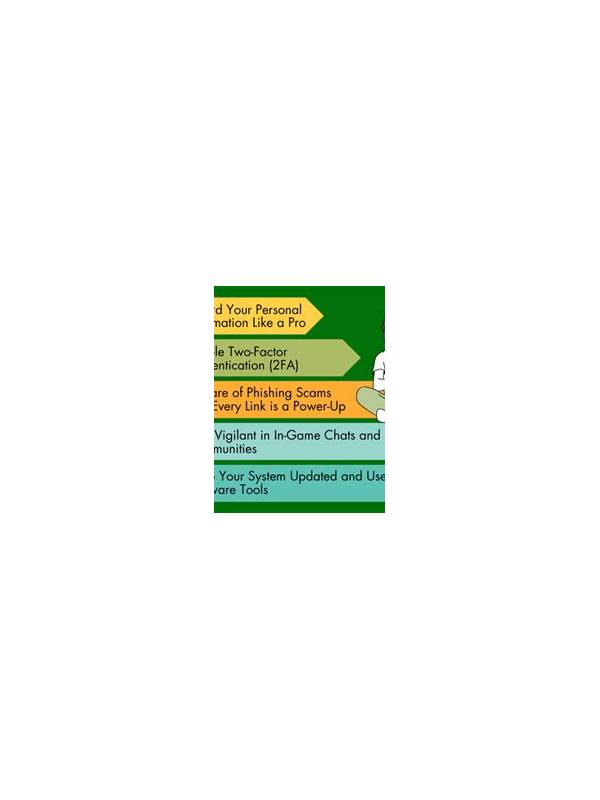
Account safety is part of a healthy online rummy routine. A player should understand what information an app requests, where it is stored, and which features are genuinely needed. The objective is not to make technical claims about a particular service; it is to create habits that limit avoidable exposure.
Use a unique password for each gaming account. If a service supports an additional sign-in factor, consider enabling it through the service’s official settings. Never share a password, one-time code, or recovery link with another person claiming to offer support. Legitimate support should not require you to disclose secrets in a chat message.
Review permissions before installation and after major updates. A card game may need some device access for normal operation, but unrelated permissions deserve a question. If an app requests contacts, messages, or files without a clear reason, pause and check its official privacy information before continuing. Do not install a modified package from an unknown source merely to unlock a feature.
Keep payment and identity information limited to the official account flow. Check the spelling of a website or app publisher before entering details, and avoid links sent by strangers. If a transaction looks unfamiliar, stop using the account and contact the provider through a verified support route. Save receipts, but store them somewhere private.
Protect the device as well. Use a screen lock, install operating-system updates, and avoid signing in on shared devices that you cannot inspect. Log out when a device is borrowed or public. These simple steps reduce the chance that someone else can open an active session.
Finally, review your profile occasionally and remove information that is not needed for play. Safety is a routine, not a single check. Small limits on shared data and careful sign-in behavior can make recreational play more comfortable and easier to control.
Be cautious with urgent messages about account suspension, prizes, or verification. Pressure is often used to make a person click before checking the source. Open the service directly through a saved official address or app rather than using the message link. If a request still seems unusual, stop and verify it through published support information. A few extra minutes of checking are preferable to exposing personal details or granting access to an unknown party.
When in doubt, postpone the action. A legitimate service should still be available through its normal channel later, while an unsafe request often depends on urgency. This pause protects both privacy and peace of mind.