Rummy Safety: What to Do After a Suspicious Account Alert
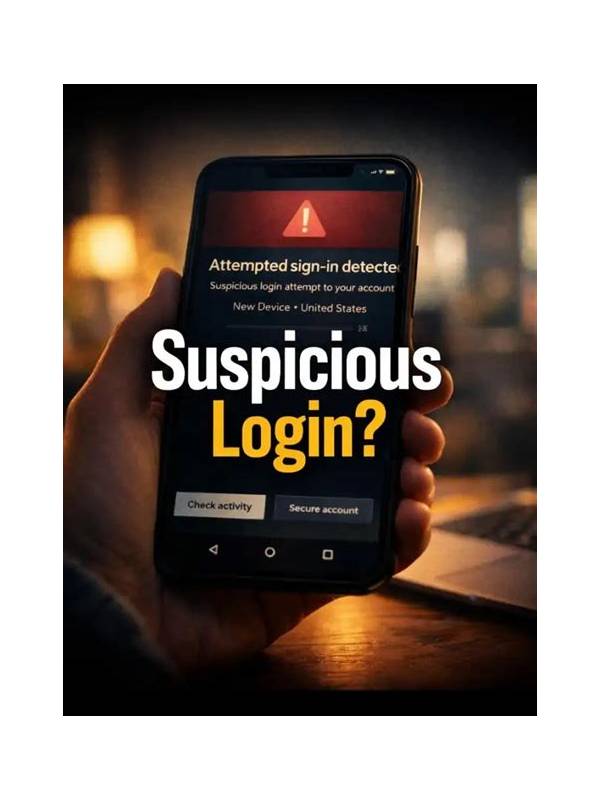
An unexpected account alert may be genuine, delayed, or fraudulent. Treat it seriously without reacting through the link or phone number in the message. The safest response is a short sequence that protects access and verifies the event independently.
First, do not click links, open attachments, or reply with passwords, payment information, identity documents, or one-time codes. Messages that create urgency by threatening immediate closure or promising a reward deserve extra caution. Save the message or note its details for reporting, but do not forward sensitive content casually.
Next, open the service through a bookmark or an address you already trust. Check the account’s security or activity area for recent sign-ins, device changes, withdrawals, and profile edits. If you cannot access the account, use the official recovery process reached from the known site or app. Avoid search results that imitate support pages.
If suspicious activity is confirmed, change the password from the official interface and use a unique password that is not reused elsewhere. Sign out other sessions if that option exists, enable multi-factor authentication, and review payment methods. Contact support through the published channel. Describe dates and actions without sending more personal information than the support process requires.
Watch your email and payment accounts too, especially if the same password was used elsewhere. Contact a bank or payment provider through its official channel if an unauthorised transaction appears. Keep a timeline of what happened and when. Do not let a caller or message persuade you to install remote-access software or transfer funds for “verification.”
The key principles are independent verification, minimal disclosure, and prompt containment. A real provider can wait while you open the account through a known route. If an alert remains unclear, pause deposits and gameplay until you understand it. Protecting access is more important than responding quickly to an unverified request. When you report the message, include the sender name, date, and general claim, but redact passwords, codes, full payment numbers, and identity documents. If the service has a phishing or abuse address, use that channel from its official help page. Delete nothing that may be useful to a legitimate investigation until you have recorded it safely. Even if the alert turns out harmless, this process reduces the chance of a rushed disclosure next time. When in doubt, use the known route to the service and disclose nothing through the alert itself. That rule applies even when the message looks professionally branded.