Rummy Session Lighting: Reduce Eye Strain on Small Screens
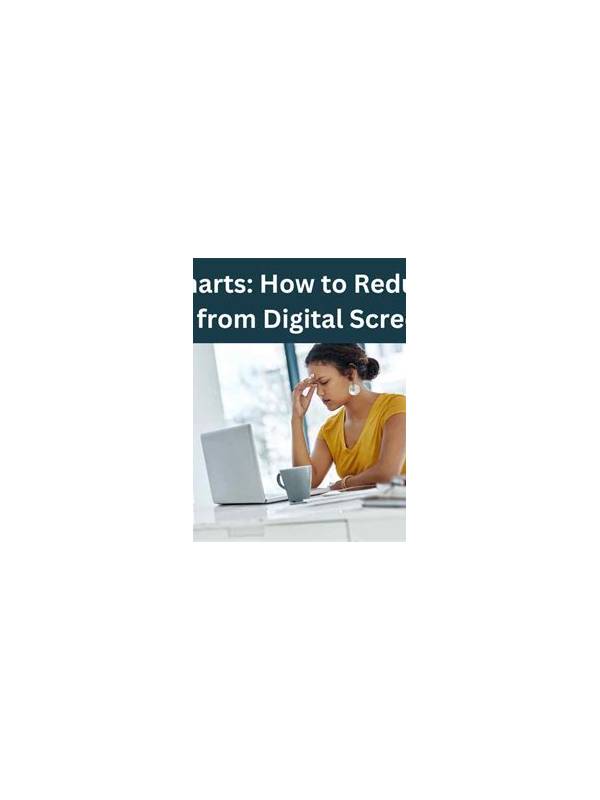
Small screens ask your eyes to distinguish suits, ranks, buttons, and timers in a compact space. Poor lighting makes that work harder and can lead to squinting, headaches, or rushed selections. Preparing the visual environment is a practical part of responsible play, especially when a session lasts longer than expected.
Avoid placing the screen directly in front of a bright window or lamp. Strong reflections flatten card symbols and force your eyes to work around glare. Position the light to the side or behind the screen, and adjust the display angle until the surface looks even. A dim room is not always better: a bright screen surrounded by darkness can also feel uncomfortable. Aim for a moderate, consistent level of light.
Check text size and contrast before joining a table. If the platform offers larger cards, high-contrast mode, or a zoom setting, test it in a practice area. Do not change settings during a timed decision unless necessary. Keep the device clean, because fingerprints and dust can create a hazy layer over small symbols. If you wear glasses, use the prescription that is comfortable for the viewing distance rather than leaning toward the phone.
Give your eyes regular distance breaks. Between rounds, look across the room for a few moments, blink normally, and relax your shoulders. A short pause is more useful than staring at a second screen. If you notice persistent pain, blurred vision, or headaches, stop the session and address the symptom. Do not treat discomfort as a reason to play faster.
Lighting also affects attention. A television, reflective tabletop, or moving notification near the screen can pull your gaze away at the exact moment you need to confirm a discard. Silence nonessential alerts and place the device on a stable surface. If you play on a phone, avoid holding it at an awkward angle for a long period; support your wrists and keep the display at a comfortable height.
These changes do not improve the cards, but they reduce avoidable mistakes. Clear symbols, balanced light, and regular breaks make it easier to review a hand calmly. A comfortable setup is part of preparation, and knowing when to stop is part of the same habit. If you share a room, choose a position that does not require twisting your neck or holding the device inches from your face. A stand, larger display, or occasional switch to a practice mode can reduce strain. Comfort should support attention, never encourage you to ignore fatigue.