Rummy Safety: Pause When the Screen Feels Urgent
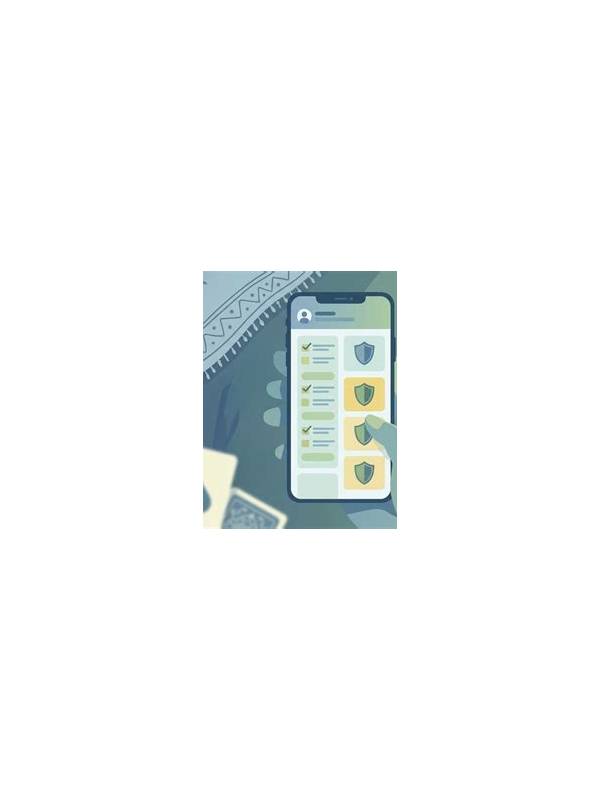
Fast timers, flashing prompts, and repeated notifications can make a normal decision feel like an emergency. A safe playing habit is to pause whenever the screen creates urgency that does not come from the rules themselves. A few seconds of distance can protect both attention and judgment.
Start with a physical reset. Put the phone down briefly, relax your shoulders, and take one slow breath. This is not a strategy for changing a hand; it is a way to notice whether you are reacting to the cards or to the interface. If you cannot read the action clearly, stop and resolve the display problem before continuing.
Separate game urgency from account urgency. A timer may require a timely move, but a banner encouraging an immediate deposit, bonus claim, or upgrade is a different kind of message. Do not let a game clock pressure you into a wallet decision. Finish or leave the table according to the rules, then review account choices when you are calm and outside active play.
Use a prewritten boundary. Decide before a session how long you will play, what amount you are willing to risk, and which prompts you will ignore until later. Keep the boundary independent of wins and losses. If the app makes it difficult to pause, find the responsible-play or notification settings before starting another session.
Check for warning signs in yourself: chasing a recent loss, increasing stakes to recover quickly, skipping a planned break, or feeling unable to stop. These signals matter more than the result of the current hand. End the session if your decision-making no longer feels voluntary. A disappointing outcome is never a reason to override a safety limit.
Afterward, write down what triggered the urgency. Was it a countdown, a message, a connection warning, or your own frustration? The note can guide a practical adjustment, such as muting notifications, lowering table speed, or choosing practice play. A calm pause is a small tool, but it keeps the game within the limits you chose before the screen began demanding attention.
If a prompt is unclear, do not tap through it just to return to the table. Read the wording and close it if it is unrelated to the hand. Use notification controls when appropriate, while keeping important connection messages visible. A quieter decision environment makes it easier to stop, understand what is requested, and choose later when there is no artificial pressure.