Rummy Safety: Protect Personal Data During Account Setup
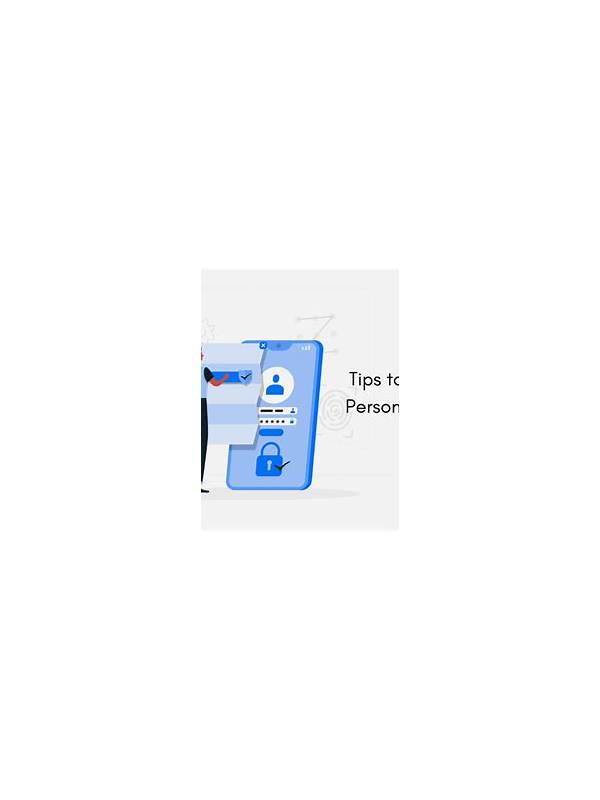
Account setup is a safety decision as well as a registration step. Before entering personal information into a rummy service, confirm that you are using the intended application or website and that the connection is secure. Avoid links forwarded through unknown messages, pop-ups, or unsolicited offers.
Read the privacy and account terms before submitting data. Look for the categories of information collected, the stated purpose, retention practices, and support route for correcting or closing an account. If the explanation is missing or impossible to understand, pause. Convenience is not a reason to surrender information you do not need to provide.
Use a unique password that is not shared with email, banking, or social accounts. Turn on available multi-factor protection, and keep recovery details current without placing them in public notes. Do not send passwords, one-time codes, or identity documents to a person who contacts you through chat claiming to be support. Use the service’s official help channel instead.
Check permissions on mobile. A game may reasonably need network access, but a request for contacts, messages, microphone, or location should have a clear explanation. You can deny permissions that are unnecessary for the feature you intend to use. Review permissions again after updates because settings can change.
Use a separate email address for low-trust registrations when appropriate, and keep the address free of identifying details that are not required. This does not replace a strong password or careful verification, but it can reduce the effect of unwanted marketing. Review notification settings so account messages are useful without exposing private information on a shared lock screen.
For payments or withdrawals, verify the account name, transaction limits, and confirmation screen before proceeding. Keep receipts or reference numbers, but store them without exposing full card numbers or identity documents. If a request feels urgent, confusing, or inconsistent with the published process, stop and verify it independently.
Finally, decide whether you need the account at all. Use only services available in your jurisdiction and follow age and local legal requirements. A safe setup is one where you understand what you are sharing, why it is needed, and how to get help. If those answers are unclear, delaying registration is a sensible choice.
Keep copies of policies and receipts only in a secure place, and delete drafts that contain unnecessary personal data. Good account hygiene is easier when you decide in advance what you will never share through chat.